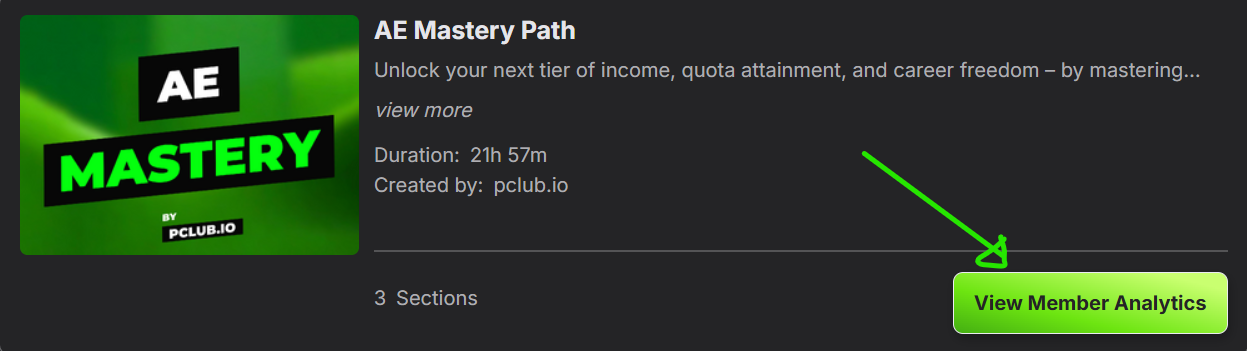
1. Choose the Path in which you enrolled or assigned the user.
For example, AE Mastery Path. Click on it, then click "View Member Analytics."
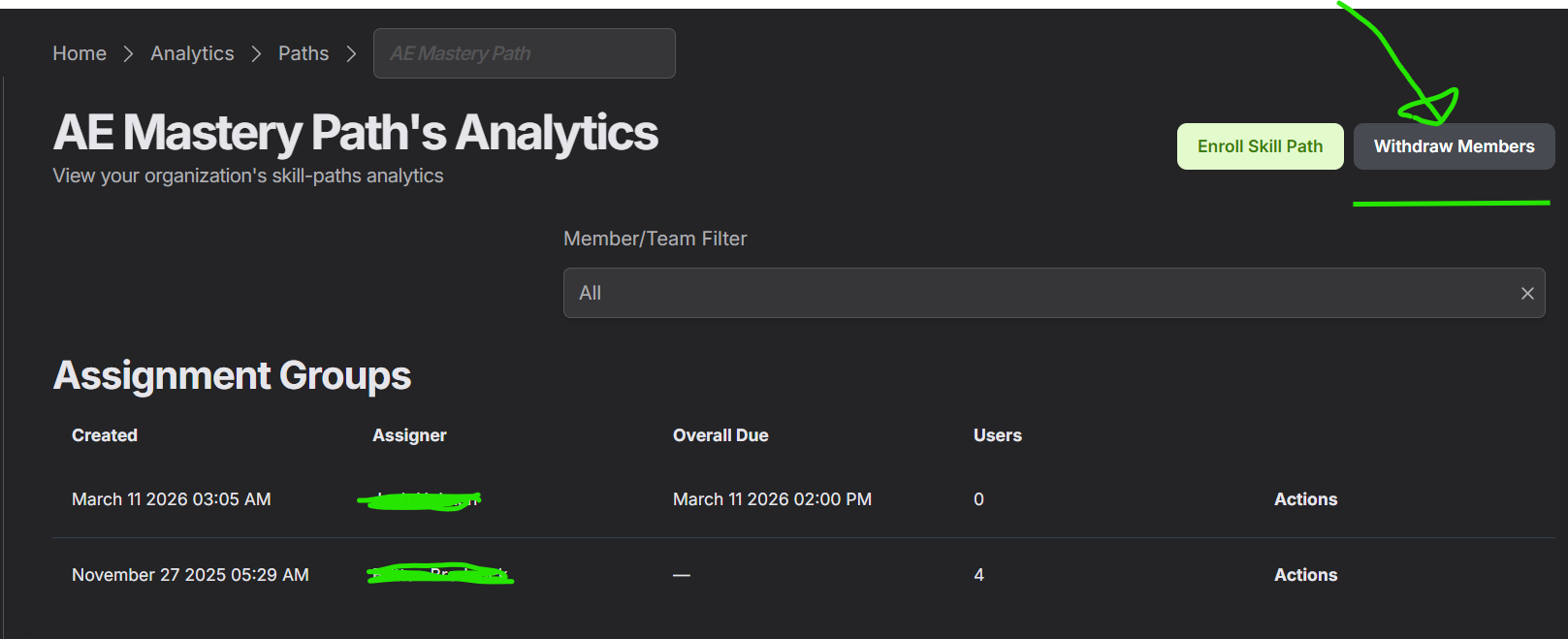
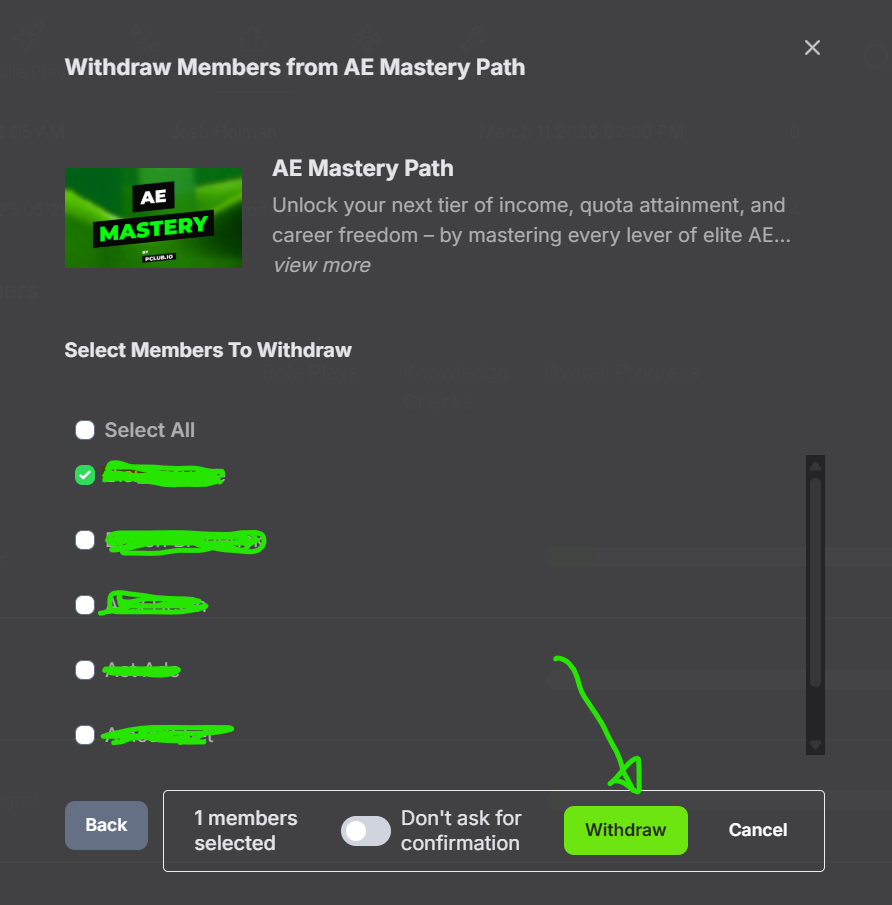
4. Then, click "Yes." 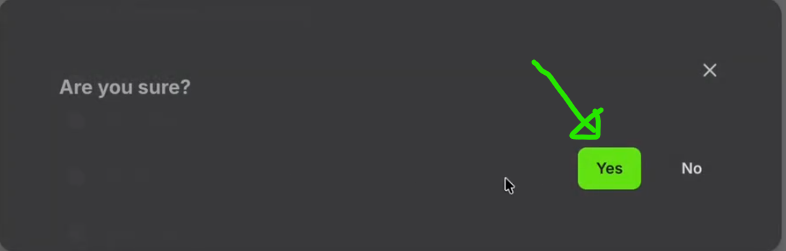
Was this article helpful?
That’s Great!
Thank you for your feedback
Sorry! We couldn't be helpful
Thank you for your feedback
Feedback sent
We appreciate your effort and will try to fix the article